See Marketplace in the app
The Marketplace tab is a buy-and-sell space for the community, with rich photos, useful filters, and seller controls to keep listings current.
Image from the published IndiAdda App Store listing. Shown posts and listings illustrate the product; check the app for current content.
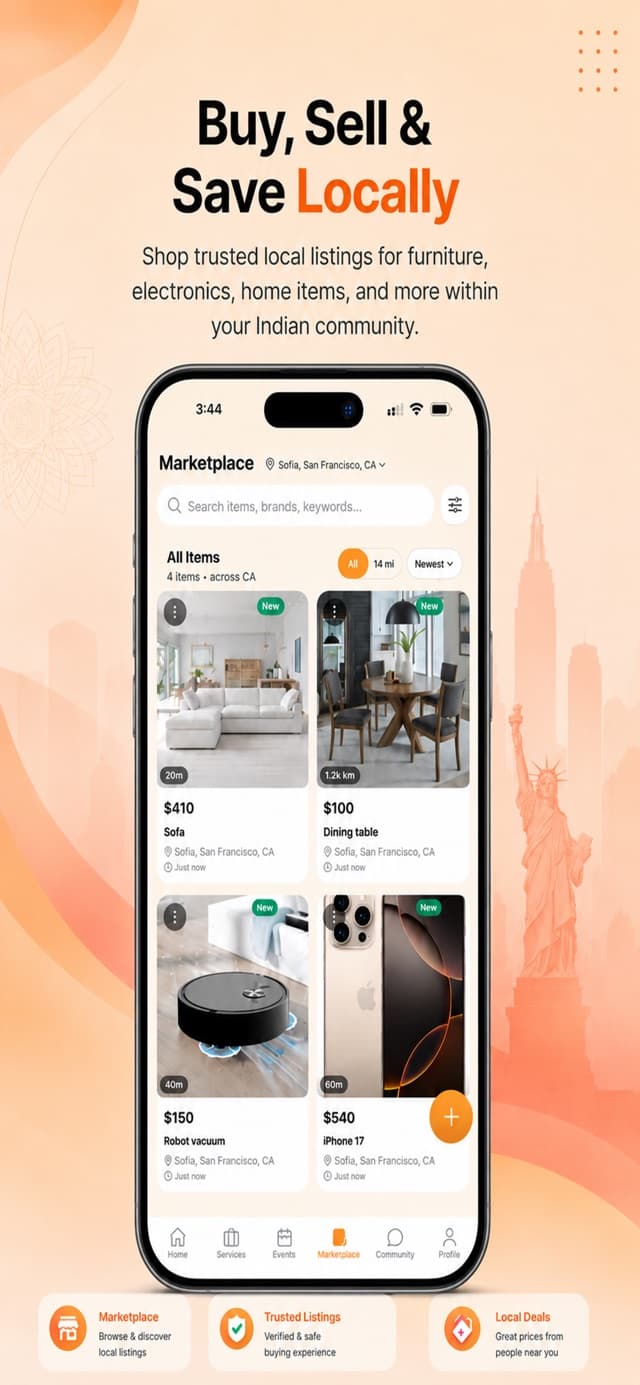
What you can do
How it works
List your item
Add photos, a category, condition, and price to post a listing.
Get discovered
Buyers find your item through location, category, condition, and price filters.
Mark it sold
Flip the listing to sold once it is gone to keep the marketplace accurate.
Questions about Marketplace
- Which details can I use to narrow my search?
- Use the available location, category, condition, and price filters. Read the item’s description and confirm its current availability with the seller.
- What should I do when my item has sold?
- Use the listing controls to mark it sold. Keeping the listing status current helps other people avoid asking about an item that is no longer available.
Check the App Store listing for current iPhone requirements and pricing. Read the privacy policy and community guidelines, or contact IndiAdda with a product question.
Practical guides and examples
Try Marketplace on IndiAdda
Explore marketplace in the IndiAdda iPhone app, built for Indians living in the USA. The app is a free download on the U.S. App Store.
Download on the App Store